RyDF
RyDF is a PDF viewer, markup and print app for macOS and Windows, made for large drawings. It has annotation tools, to-scale measuring, OCR for scans and printing. It also opens images, which can be marked up with the same tools, and pages can be exported as images or SVG.
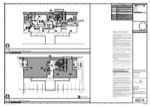
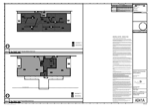
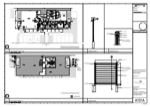
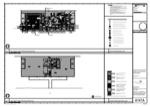
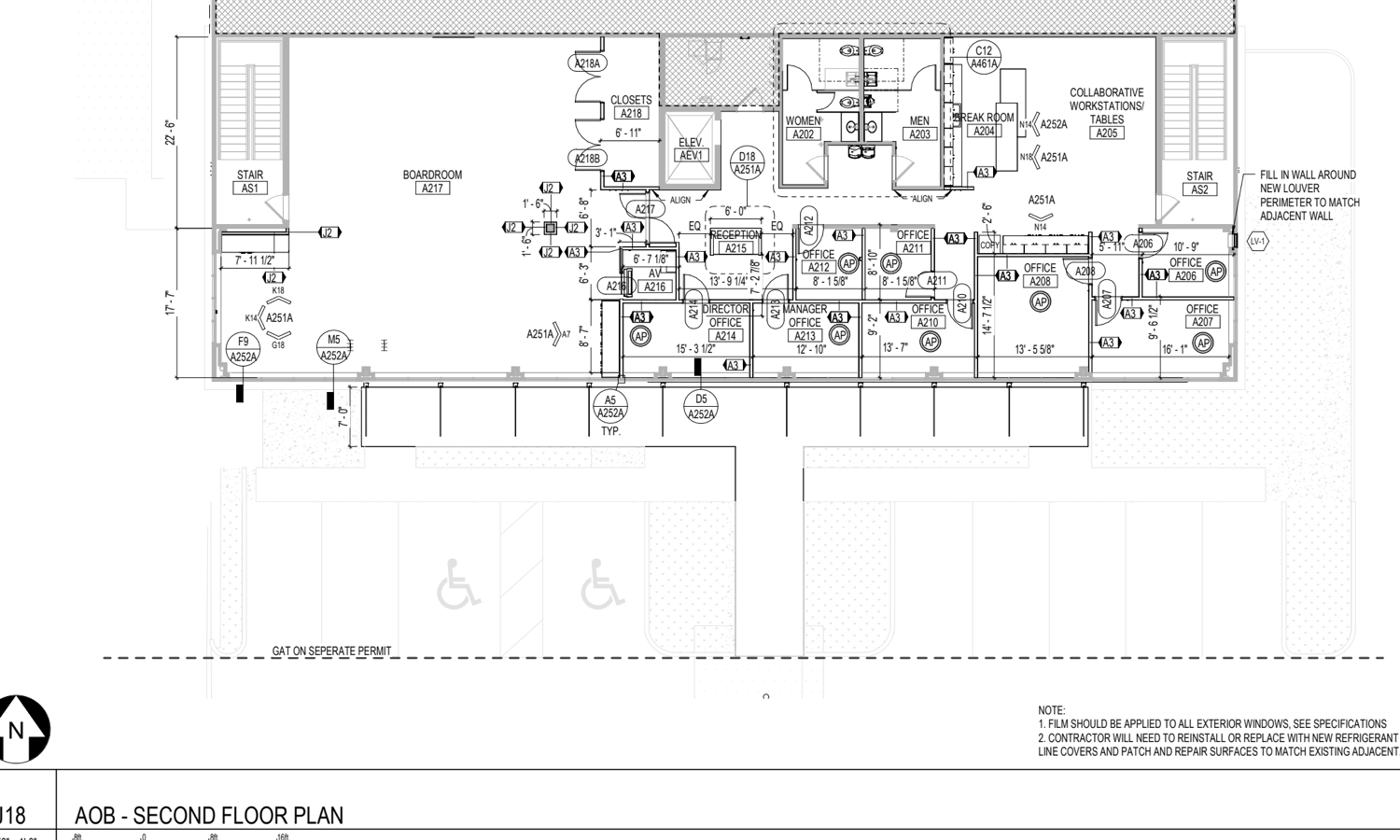
What it does.
View
Opens large PDFs, including CAD-size sheets and documents of hundreds of pages. Pages are rendered in tiles.
Mark up
Clouds, shapes, text, callouts, dimensions, ink, highlighter, stamps and signatures.
Measure
Set a page's scale, then measure distances on the drawing. Measurements can snap to the drawing's geometry.
Choose a paper size, scale to fit, print selected pages and preview before printing.
How it works
Open a drawing, mark it up and save. The markups are saved in the PDF file.
Review a drawing
Everyday- Open the PDF. Large files open at page 1 while the rest loads.
- Mark it up with clouds, callouts, text, highlights, stamps or a signature.
- Save. The markups are written into the PDF and can be edited again when you reopen it in RyDF.
Take off a drawing
To scaleMeasure a scaled drawing, then print what you need.
- Calibrate the scale. Draw over a known dimension and type its real length. Points can snap to the drawing's lines.
- Measure. Distances are shown in your units, per page.
- Print. Choose paper size and scale, select pages and preview first.
Features
Large PDFs
A tiled render engine with a page cache for CAD sets and documents of hundreds of pages.
Markup tools
Rectangles, ellipses, revision clouds, lines, arrows, polylines, ink, text boxes, callouts and notes, with color, fill, stroke and opacity. Selecting the page's text adds Highlight, Underline and Strikeout.
Stamps & signatures
Place reusable stamps with editable text. Sign by typing your name in a cursive font or importing an image with the background removed.
Measure to scale
A sheet that states its own scale is measured with it. Otherwise set the scale by drawing a known length and typing its real value, or by entering the ratio. Endpoints can snap to geometry. A quick-measure tape does not change the document.
OCR for scans
Recognizes text on scanned or image-only pages using the system’s on-device recognizer: Apple Vision on a Mac, Windows OCR on Windows. An invisible text layer is added so the text can be selected and searched. Nothing leaves the computer.
Photos and scans too
JPEG, PNG, TIFF, WebP, GIF, BMP and SVG open like a document, as do HEIC photos (on Windows these need a free codec from Microsoft). The same markup, measuring and printing tools apply. When you save, you can convert to a PDF with editable markups or render the markups into a new picture. The original file is not changed.
Crop
Trim a page or a photograph. Cropping moves a boundary rather than discarding pixels. Reset restores the full sheet, and undo covers it.
Export to anything
Export a page as JPEG, PNG, TIFF or WebP at the picture's own resolution, or as SVG with vector paths and selectable text. Where a page uses something SVG cannot express, such as a gradient, that part is embedded as an image and the export says so.
Markups live in the PDF
Save writes the markups into the PDF file. There is no separate file, and the markups stay editable when you reopen the PDF in RyDF.
Organize pages
Rotate, delete, extract, insert and reorder pages, in the sidebar or in a grid view, by drag and drop.
The drawing's own layers
If a PDF has layers, such as Balloons, Dimensions, Titleblock or Revision Tables, each one gets a switch. Layers can be hidden while you mark up and shown again. The file is not changed.
Fillable forms
RyDF shows a PDF's form fields and their values. Click a field to type, or tick a box. Saving writes the values into the document's own fields, so the form also shows as filled in Preview and Acrobat.
Real print pipeline
Choose a paper size, scale to fit, and print the whole document or selected pages, with a preview before printing. On macOS, a queue beside Print shows what is waiting on each printer, so a long print job can be stopped.
Multi-document tabs
Keep several drawings open in tabs. Each tab keeps its own position, zoom and markups.
Fast search
Search the whole document, with paged results and on-page highlights. Text added by OCR is searchable too.
Units, math & theme
Work in mm, inches or points. Fractions and arithmetic can be typed when setting a drawing's scale (1/8", .25"−1/8"). The theme follows the system light or dark setting.
Updates
Checks for new versions, shows what changed and downloads the update, on a schedule you choose or only when you ask.
Download RyDF
RyDF is under development. Bug reports and feature requests are welcome.