DirectOut Prodigy processors in your Q-SYS design.
Prodigy Control for Q-SYS is a plug-in for Q-SYS Designer. It connects straight to a Prodigy.MC, Prodigy.MP or Prodigy.MX over the local network and brings the unit's status, mutes, meters, Input Manager select and snapshot recall into your design. It is one file you add to Designer. It is free and never signs in.
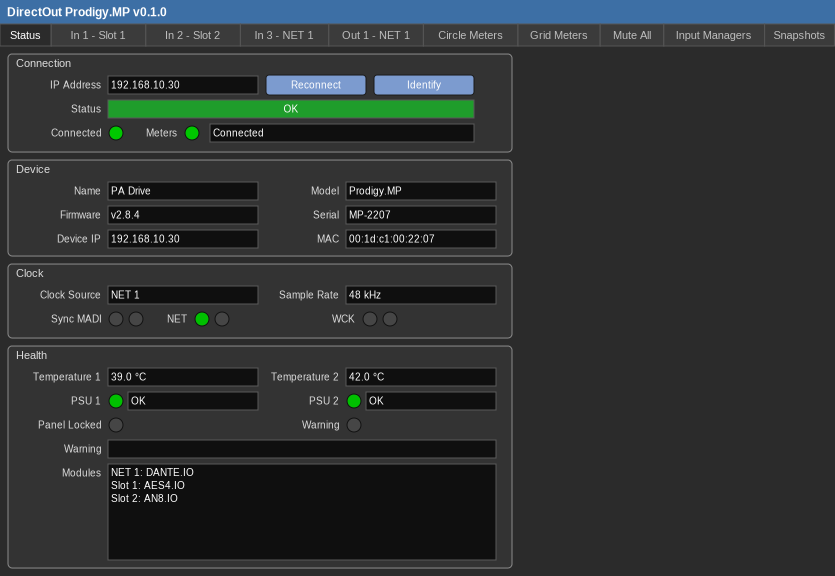
The Status page: connection, the unit's details, clock and health.
What the plug-in does
Status and health
Connection state, the unit's name, model and firmware, clock source and sync, temperatures, power supplies and warnings, with a Q-SYS status for the whole unit.
Meters and mutes
Pick the channels you need in blocks by port. Each gets the unit's channel name, a meter with signal and over LEDs, and a mute button.
Grid and circle meters
See every channel of every port at once, one cell per channel, or one round meter per channel block, like the views in Globcon.
Input Managers
Choose an Input Manager entry by hand or hand the choice back to the unit, and see which entry is active.
Snapshots and mute-all
Recall the unit's snapshots by name or by slot, and use its mute-all for each port and the DSP.
Pins and scripts
Every control has a fixed name, for control pins and Q-SYS scripts.
Every channel, with its name
Each channel block shows the unit's channel names, a meter with signal and over LEDs, and a mute button for each channel.
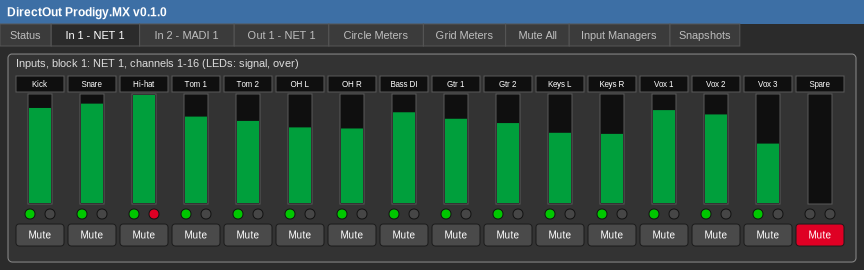
An input block with 16 channels.
Every port at a glance
One cell per channel, for each port's inputs and outputs.
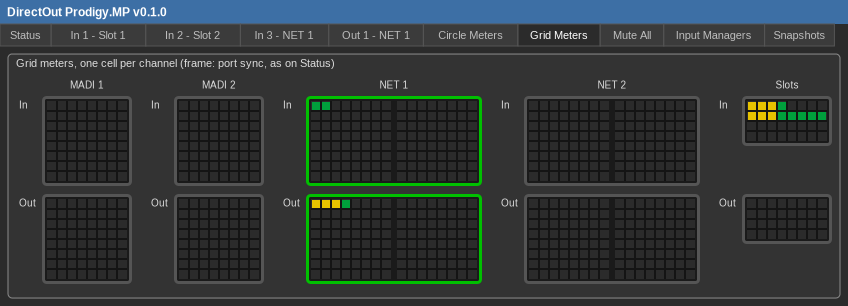
Grid meters for a Prodigy.MP.
Pick sources and recall snapshots
Choose an Input Manager entry or hand the choice back to the unit, and recall the unit's snapshots by name or by slot.
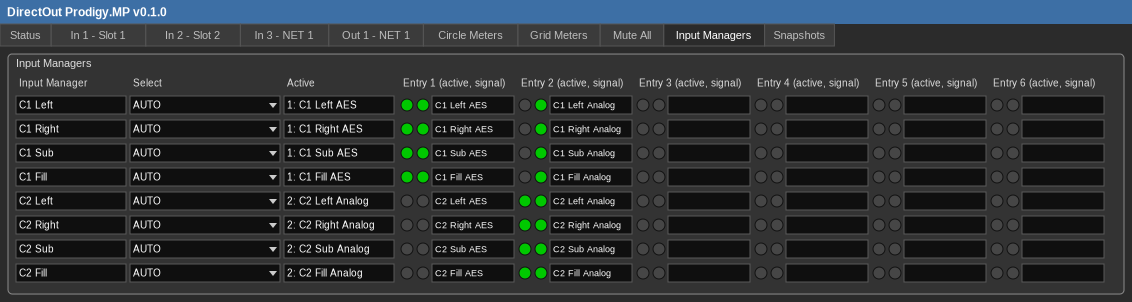
Input Managers, with the active entry for each.

Snapshots: the list, the last one recalled, and the slot buttons.
Straight to the unit
The plug-in talks to the Prodigy directly, on TCP ports 5003 and 5002. It needs no Globcon and no OSC server. It never changes the unit's system mode or network settings, and never sends reset, reboot or shutdown.
Join the beta
The beta is coming soon. Request access below.